No paywall inside
Styles, tables, formulas, charts, themes, markup. Nothing in the editors is held back for a paid tier.
Five fast apps for writing, spreadsheets, slides, notes and PDFs, free to install and free to keep. No subscription, no account, and your notch can work inside every one of them.
193 MB on Windows · 178 MB on Mac · Opens .docx, .xlsx and .pptx
Documents · opens .docx
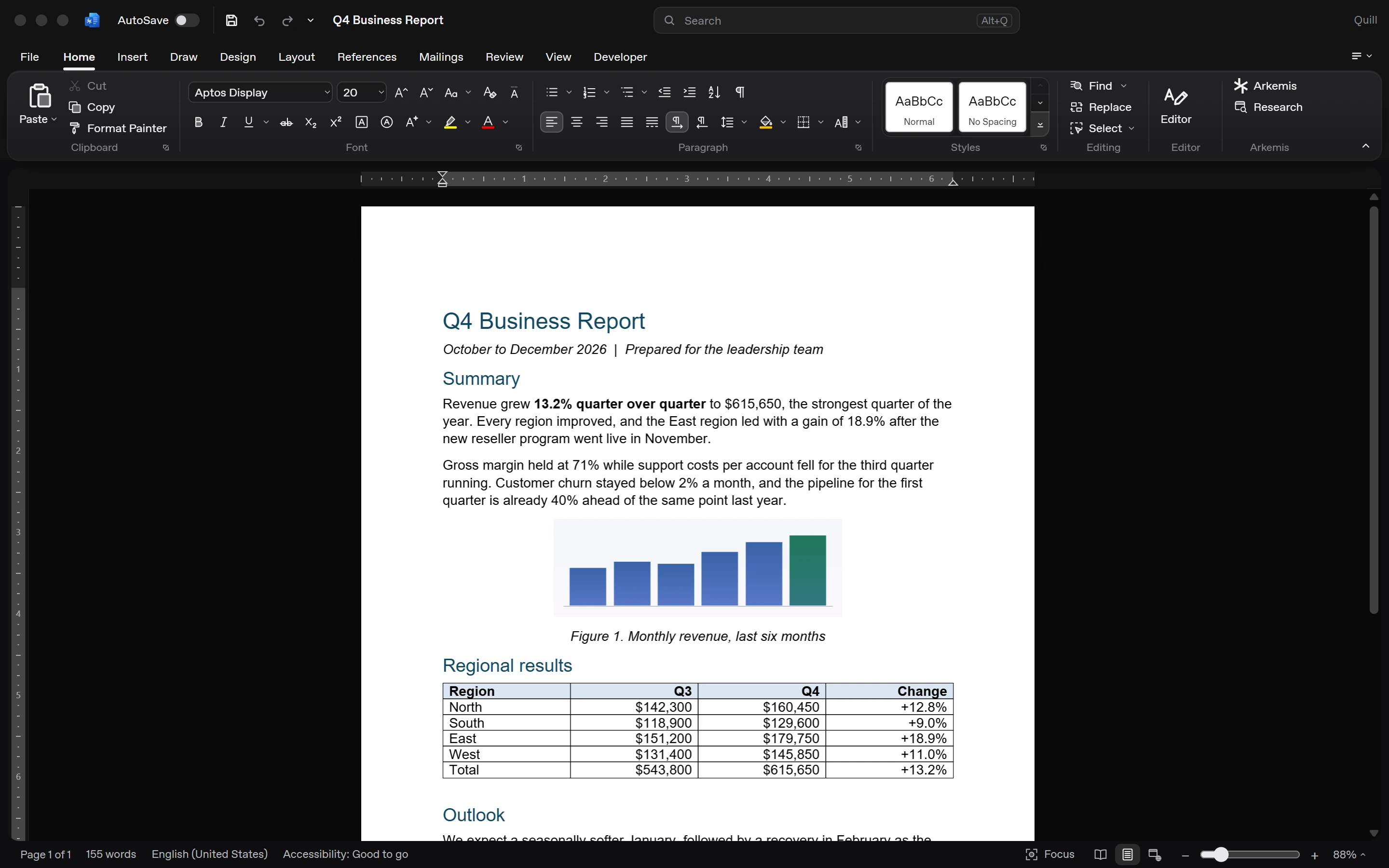
Write reports, letters and proposals with styles, tables, images and review tools.
Everything you open Office for is in the box. The notch just makes it faster, and it’s optional.
Styles, tables, formulas, charts, themes, markup. Nothing in the editors is held back for a paid tier.
Install it and start typing. There is no sign-in, no trial clock and no file you can’t open.
Documents open and save as .docx, .xlsx and .pptx on your own disk. Nothing is uploaded to use the editors.
Documents · .docx
Write reports, letters and proposals with styles, tables, images and review tools.
Spreadsheets · .xlsx
Formulas, fill and filters across as many sheets as the workbook needs.
Presentations · .pptx
Build decks with themes and arranged objects, then present full screen.
Notes · Notebooks
Notebooks, sections and pages, searchable the instant you type.
PDF editor · .pdf
Reorder, rotate and split pages, mark them up and read scanned ones.
Arkemis inside
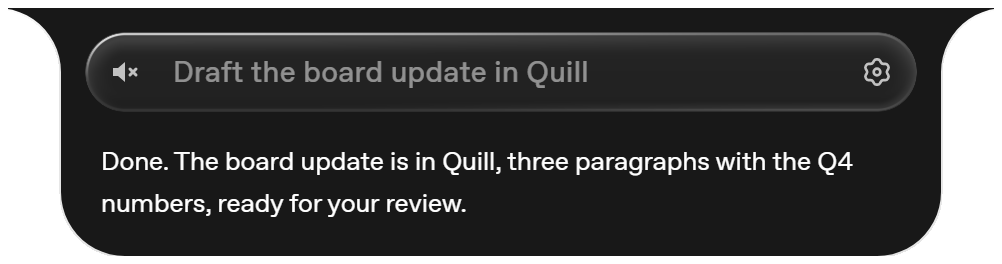
Say “draft the board update” and Arkemis writes in Quill itself, word by word, or fills a sheet in Grid cell by cell. It reads and edits the open file directly, with no screenshots and no clicking around, and it asks before anything leaves your hands.
Every editing feature in Quill, Grid, Prism, Slate and the PDF editor is free to install and use, with no account. The AI features inside them (write, summarise, build a formula, make a deck) run on your Arkemis plan, and the free plan includes a starter allowance.
No. The editors work on their own. With Arkemis installed, the notch can also read and edit the open document directly, with your yes before anything leaves your hands, and the AI pane inside each editor starts Arkemis for you.
Yes. Quill opens and saves .docx, Grid .xlsx and Prism .pptx. Complex layouts can differ slightly from Microsoft’s, so keep an eye on documents with heavy formatting.
Arkemis Office is a preview and its installers aren’t code-signed yet, so Windows SmartScreen or macOS Gatekeeper may ask you to confirm. Choose “More info” then “Run anyway” on Windows, or open it from System Settings, Privacy and Security on a Mac.
Windows 10 or 11 and macOS 12 or later. The installers are 193 MB and 178 MB.